- Select the ‘Members’ menu option/tab.
- Search for Member.
- Within the Member record, in the ‘Basic’ tab – click ‘Official Handicap Adjustment’:
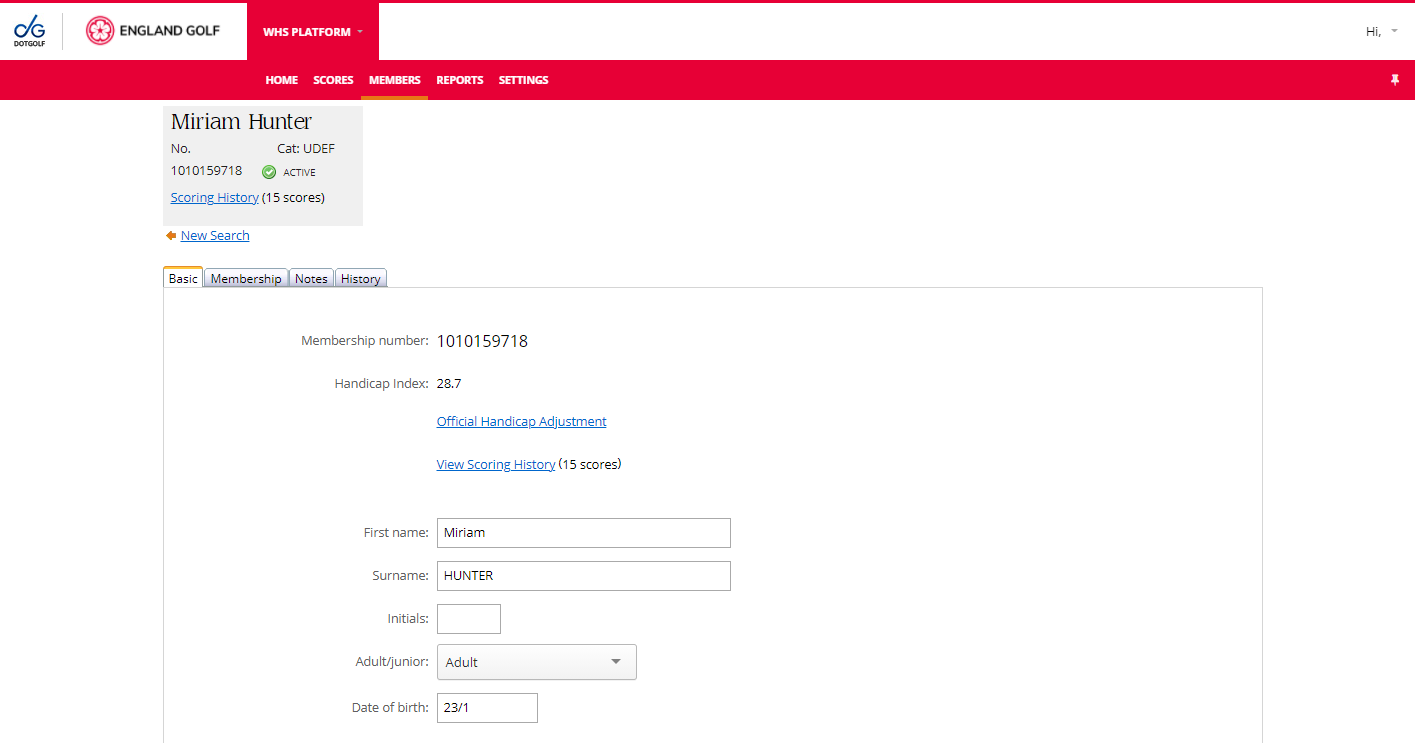
The ‘Handicap Adjustment’ options available are:
- Freeze Handicap Index - When a player's Handicap Index is frozen, it will not be updated as new scores are posted.
- Apply Adjustment - Manual Handicap Index adjustments are applied to each of the most recent 20 score differentials in the scoring record from when they are created. They may be used to adjust a player's Handicap Index to better reflect the player's demonstrated ability
- Withdraw Handicap Index - A member's Handicap Index should be withdrawn if they deliberately or repeatedly fail to comply with the player's responsibilities under the Rules of Handicapping (see Appendix A).
Was this article helpful?
That’s Great!
Thank you for your feedback
Sorry! We couldn't be helpful
Thank you for your feedback
Feedback sent
We appreciate your effort and will try to fix the article