This report can be used to see the age demographic of your members.
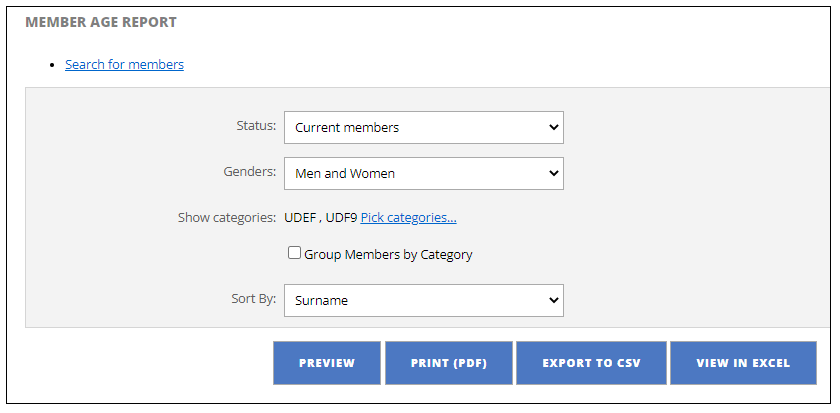
- Select status:
- Current
- Current and Resigned
- Resigned
- Select Gender:
- Men and Women
- Men Only
- Women Only
- Show Categories:
- If you have set up categories you can filter here
- Sort by:
- Surname
- Membership Number
- Age
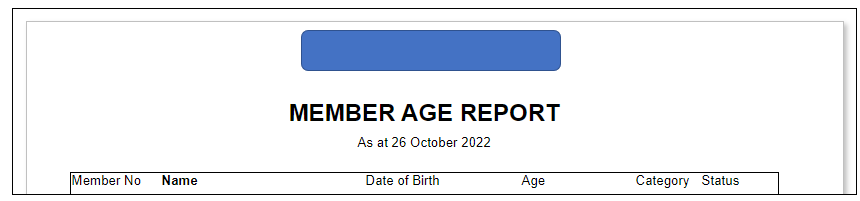
Following is the detail the report generates:
Was this article helpful?
That’s Great!
Thank you for your feedback
Sorry! We couldn't be helpful
Thank you for your feedback
Feedback sent
We appreciate your effort and will try to fix the article