This report is used to see the following information:

It is useful if you wish to understand what journey your members are currently in. As an example you can download the results and sort the details by year 1, year 2 or older.
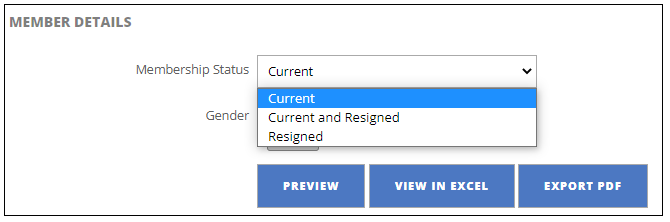
- Select the membership status:
- Current
- Current and Resigned
- Resigned
- Select the relevant gender
- Both
- Male
- Female
- Select how you wish to view the results
Was this article helpful?
That’s Great!
Thank you for your feedback
Sorry! We couldn't be helpful
Thank you for your feedback
Feedback sent
We appreciate your effort and will try to fix the article