This report is used to see how many members have been set as resigned over a given date frame.
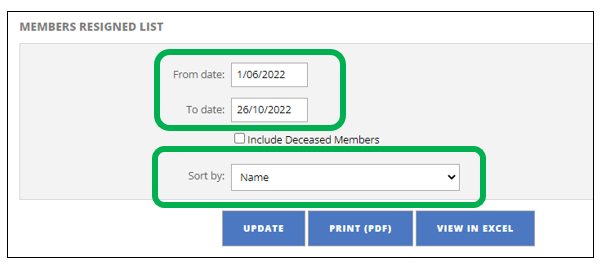
- Select the from and to date frame
- Tick “include deceased” if necessary
- With “Sort By” you can choose any of the following:
- Name
- Membership Number
- Date Resigned
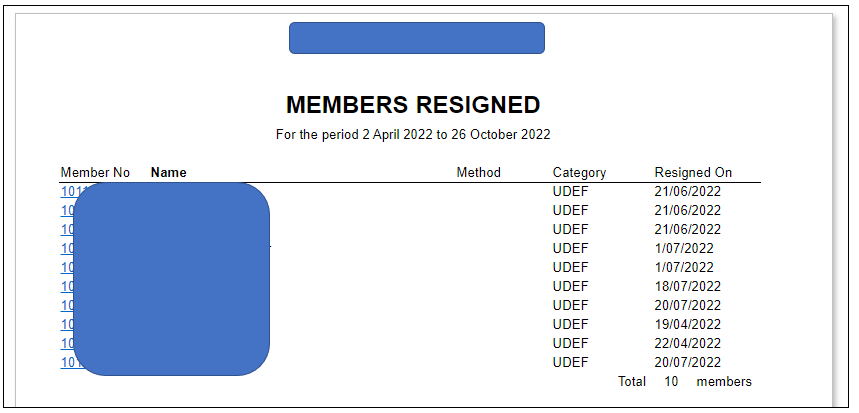
Following is an example screenshot of what the report looks like
Was this article helpful?
That’s Great!
Thank you for your feedback
Sorry! We couldn't be helpful
Thank you for your feedback
Feedback sent
We appreciate your effort and will try to fix the article