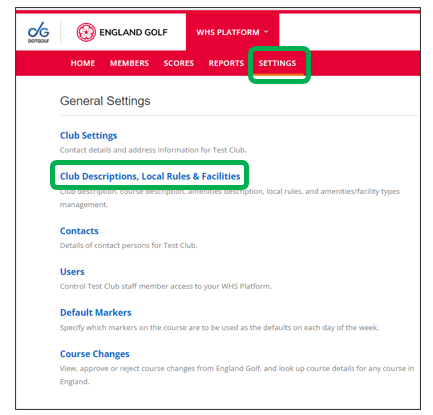
Go into “Settings” and select “Club Descriptions, Local Rules and Facilities”
Club Main Descriptions:
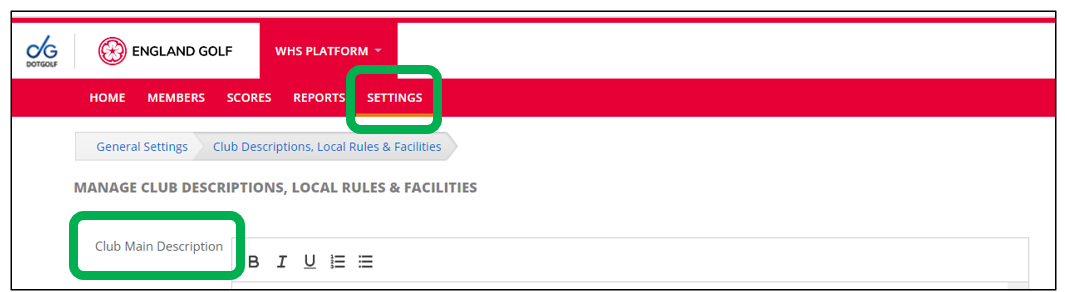
- Add a description for your club here.
Course Description:
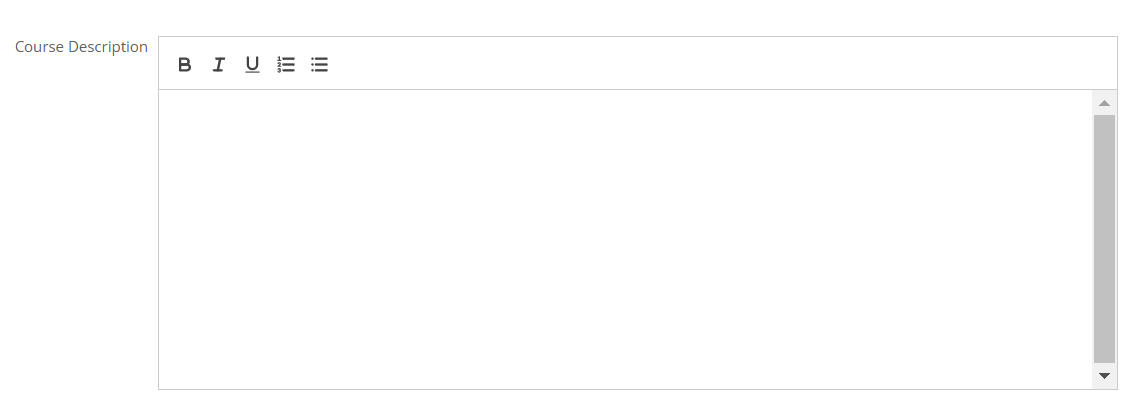
- Add a description for your course/s here.
Local Rules:
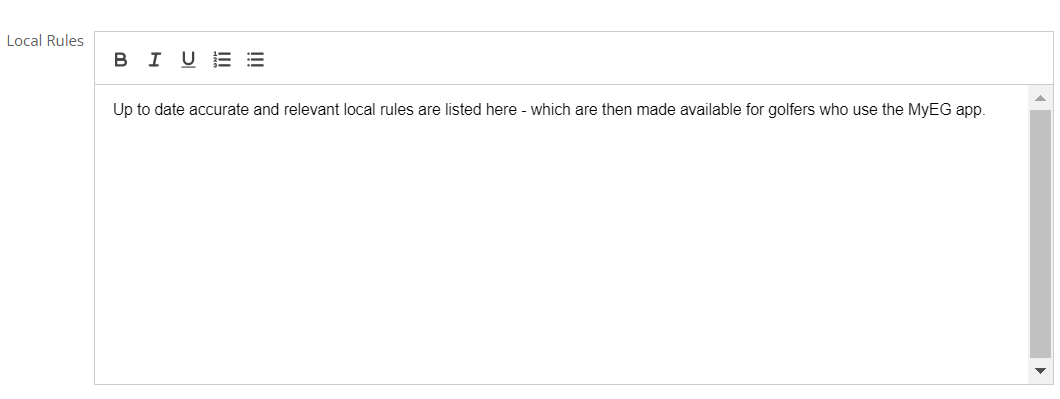
- This detail should be recorded by the club and matches any specific local rules (during winter months) and those that are publicised and written on a scorecard.
- It is the responsibility of the club to ensure any rules listed are accurate and comply with The Rules of Golf, Rules of Handicapping, and are reviewed/updated as necessary
Also, within settings you can add details of the club amenities, club main image and facility types.
When complete click the ‘Save Changes’ button at the bottom of the page (or ‘Cancel’ to exit without saving)
Was this article helpful?
That’s Great!
Thank you for your feedback
Sorry! We couldn't be helpful
Thank you for your feedback
Feedback sent
We appreciate your effort and will try to fix the article